Enterprise Services
Everything in One Place: Best Practices for Keeping Mobile Devices Secure
Cell phones often play the role of wallet, password manager, gate key and more, making it a prime target for threat actors.
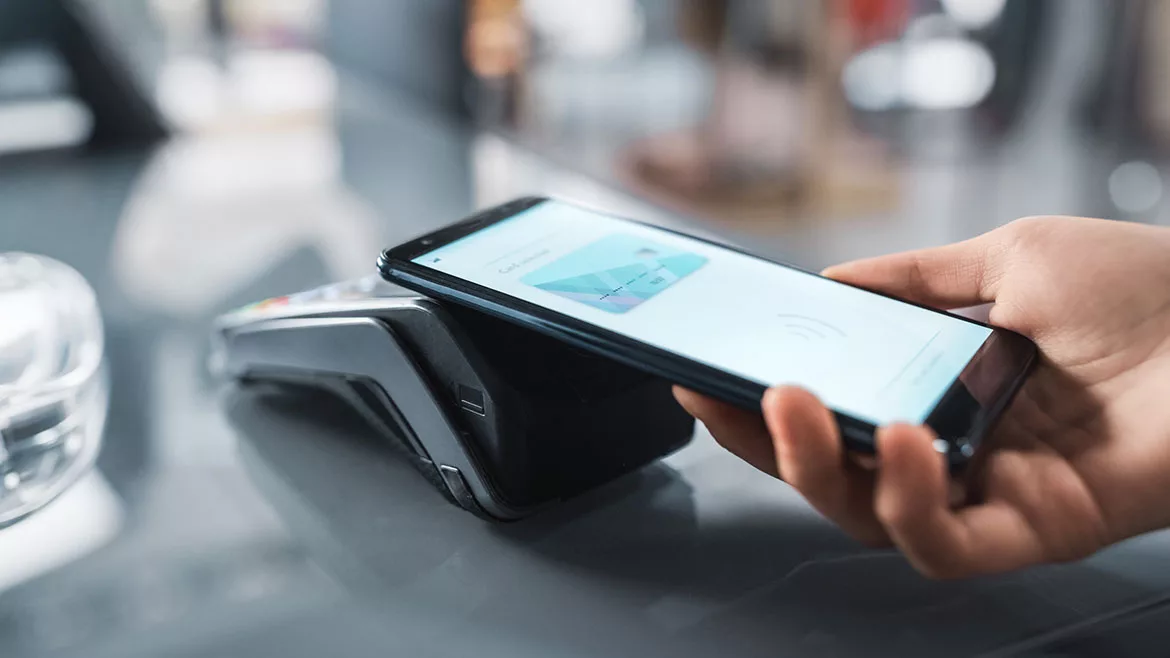
In an increasingly digital world, a cell phone works overtime to fit a long list of needs. Most retail establishments allow some form of mobile payment, and some states allow for a digital version of a driver’s license to be accepted through TSA. A cell phone can contain everything from banking information to the ability to unlock someone’s car, dorm room, or apartment. Digital password managers may contain an individual’s entire life, whether it’s their password to a reward program or their hospital patient portal.
Cell phones are also extremely likely to access unsecure networks. Individuals connect to free Wi-Fi provided by airports, coffee shops, libraries and hospitals, often checking an “accept terms and conditions” box without ever reading the contents.
With everything a cell phone can access, it’s imperative that they remain secure. Workplace cybersecurity doesn’t end at company-owned devices. If an employee connects their personal phone to the office internet or logs into their work email on their device, that phone has been added to the list of items security leaders need to worry about. Multiply that by, say, a hundred or so employees, and there’s countless opportunities for threat actors to take advantage.
Set Clear Guidelines
Are employees allowed to access their work email from personal computers? What about downloading documents? What happens when that person leaves the company?
“However, in the end, the biggest hurdle is not always technology. Culture eats technology for breakfast. Asking users to carry a physical hardware device or adopt a new authentication process can create resistance. At its core, change management is difficult, but necessary. Passwords are still the game for most users, and until that changes, companies need to treat password behavior as a foundational security gap that must be actively managed,” says Kevin Charest, VP of Cyber Governance Services at Netrio.
“Pickpockets no longer need to take an entire purse or backpack to gain enough information to steal someone’s identity. An unlocked phone is more than enough.”
Warn Against Suspicious Wi-Fi
Discourage employees from taking their work to places where they need to connect to unsecure Wi-Fi networks. Checking your email while on vacation may expose sensitive content to anyone staying at the same hotel.
Require Strong Passwords
Reports have shown that people tend to select passwords that are easy to remember, which unfortunately makes them easy to hack. Encourage employees to create complex passwords and warn against reusing those passwords anywhere else. If someone’s password is exposed in a data breach, threat actors are going to try that password for as many accounts as possible. Keep an eye out for major data breaches, even if the company seems unrelated.
“To this day, the single biggest issue remains password reuse. With so much breach and security incident data available, attackers often do not need to crack a password; they can take a known password and try it across multiple services and systems. Complexity rules do not fully solve the problem either. Users often just add a few required characters or move from “password123” to “password124.” Relying on user IDs and passwords as the primary form of security can be the downfall of many companies,” says Charest.
These recommendations expand beyond solely the workplace. Many college campuses face the same concerns as students use their phones for everything from social media to the key to their dorm building.
Additionally, there needs to be a plan for if/when a device is stolen. Pickpockets no longer need to take an entire purse or backpack to gain enough information to steal someone’s identity. An unlocked phone is more than enough. While it may seem like a hassle to unlock a mobile payment option with FaceID or a password every time you shop, it can prevent a thief from accessing your credit card without ever touching your wallet. Passwords should be stored in an encrypted or otherwise protected file, not in a saved note labeled ‘passwords’. The same goes for any scanned documents that may contain sensitive information like addresses or social security numbers.
With each new task cell phones take on, additional security measures need to be considered. Each connection point presents its own risk, both for organizations and the individuals inside them.
Looking for a reprint of this article?
From high-res PDFs to custom plaques, order your copy today!